 Alana Appel
Alana Appel
Alana Appel
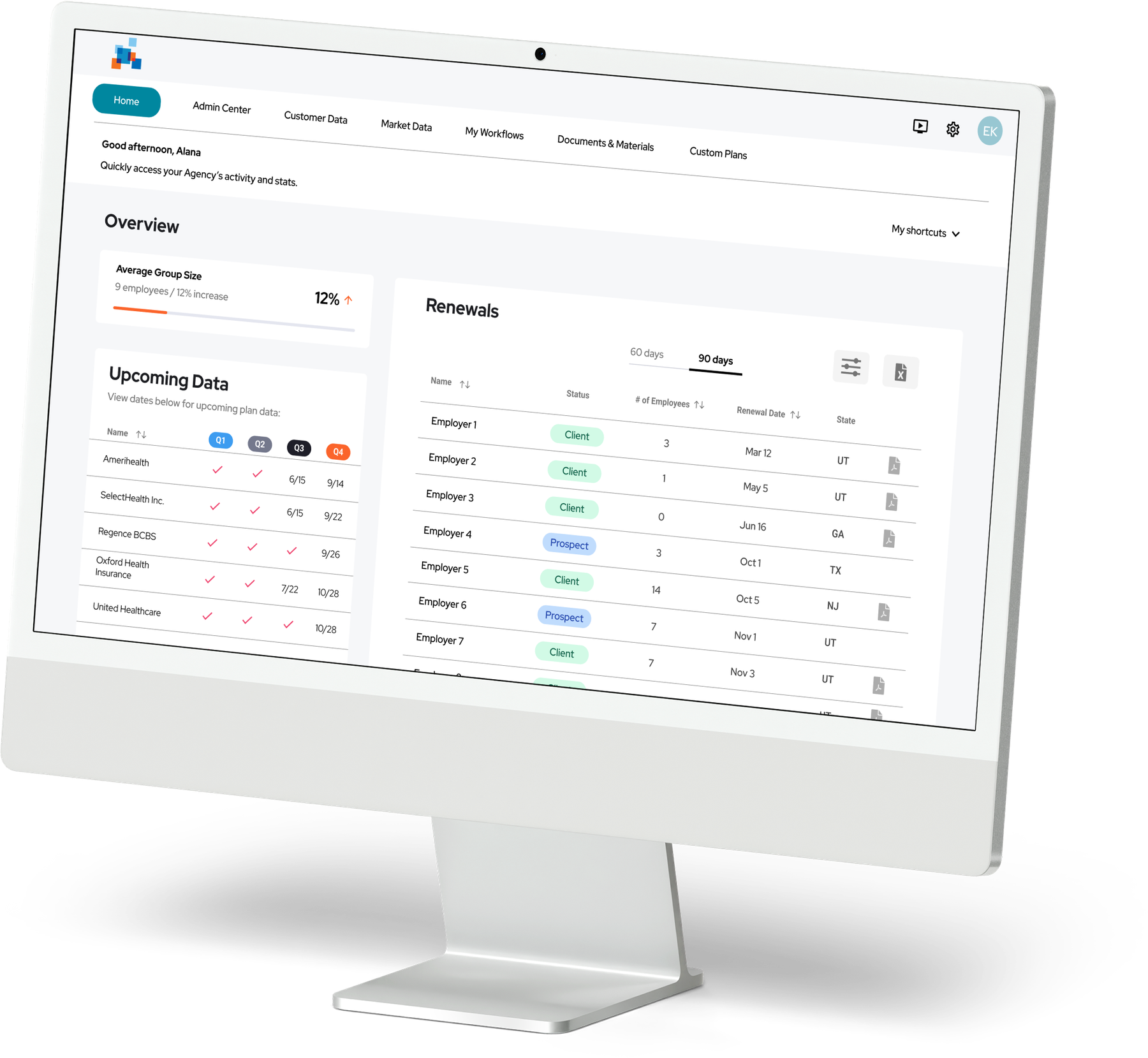
This startup supports health insurance agents in the United States by simplifying how they communicate insurance information to their clients. The platform offers brokers and agencies a comprehensive view of the small group health insurance landscape, enabling informed decision-making.
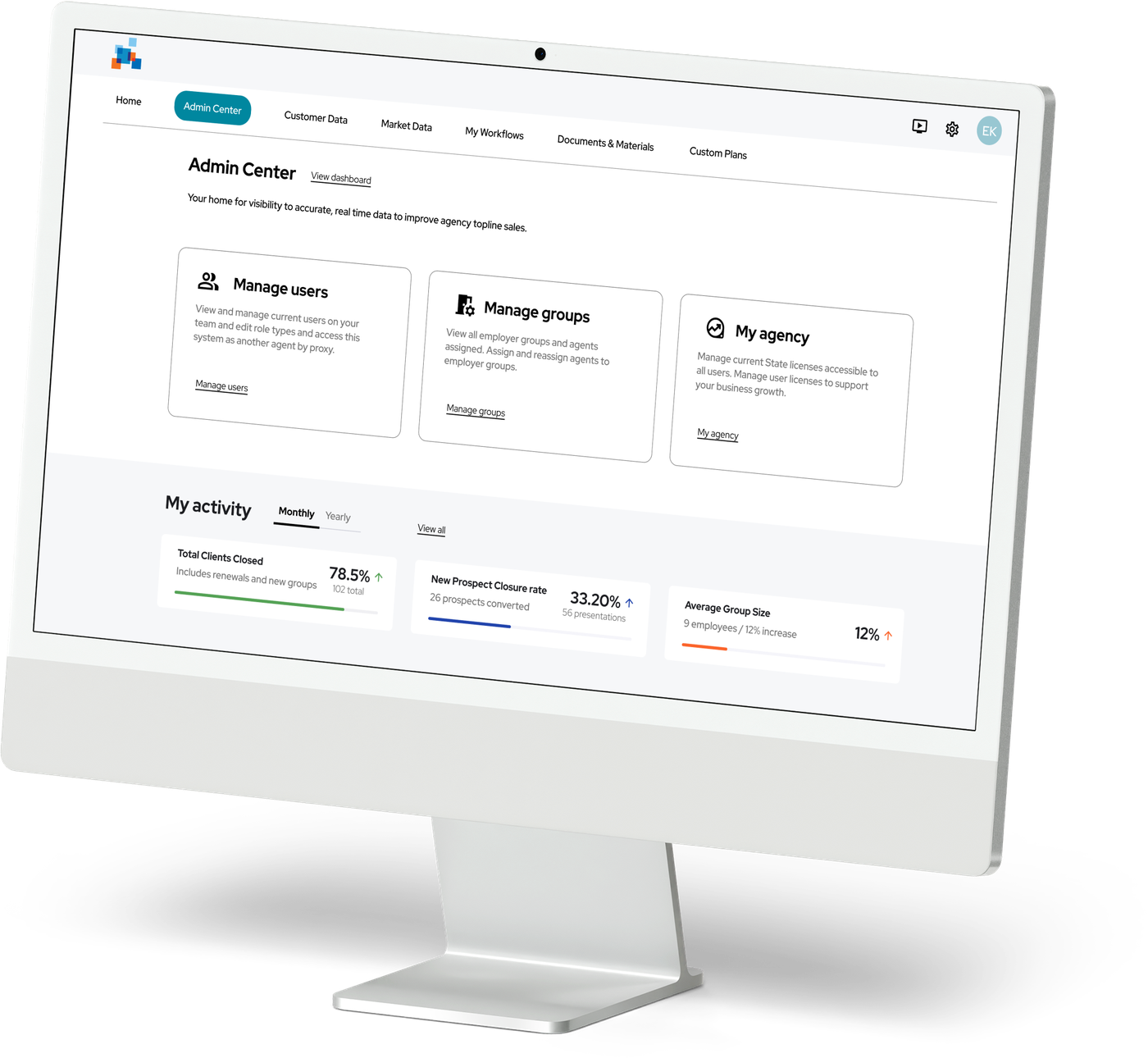
Admin-level Insurance Advisors and General Agents lacked real-time data and tools to manage users, employer groups, and broker activity, creating inefficiencies that hindered sales and operations. Large GAs, structured with admins, agents, and assistants working under one agency, needed a unified product that catered to the distinct priorities of each role. Role-based access was essential to ensure users could focus on their responsibilities while maintaining a streamlined and cohesive system.
General Agents (GAs) faced challenges due to limited real-time data, leading to inefficiencies, missed opportunities, and difficulties adapting in a competitive market. With large GA organizations composed of diverse roles (admins, agents, and assistants) role-based access was necessary to address each group’s unique needs while ensuring functionality within a single platform.
Following two rounds of usability testing, I implemented key adjustments:

Monitored how many admins used role-based permissions.

Measured time to assign roles and manage groups.

Tracked usability improvements in workflows.

Usability testing showed a 90% task completion rate in phase two.

In testing, 4 of 5 admins assigned a role and built a group on their first attempt, without guidance.
By focusing on user insights, I developed a scalable role-based permissions system that streamlined workflows and improved usability. Key design decisions prioritized high-impact features while laying the groundwork for future enhancements. The project achieved a 90% task completion rate and introduced reusable design components, ensuring scalability and consistency for future iterations.